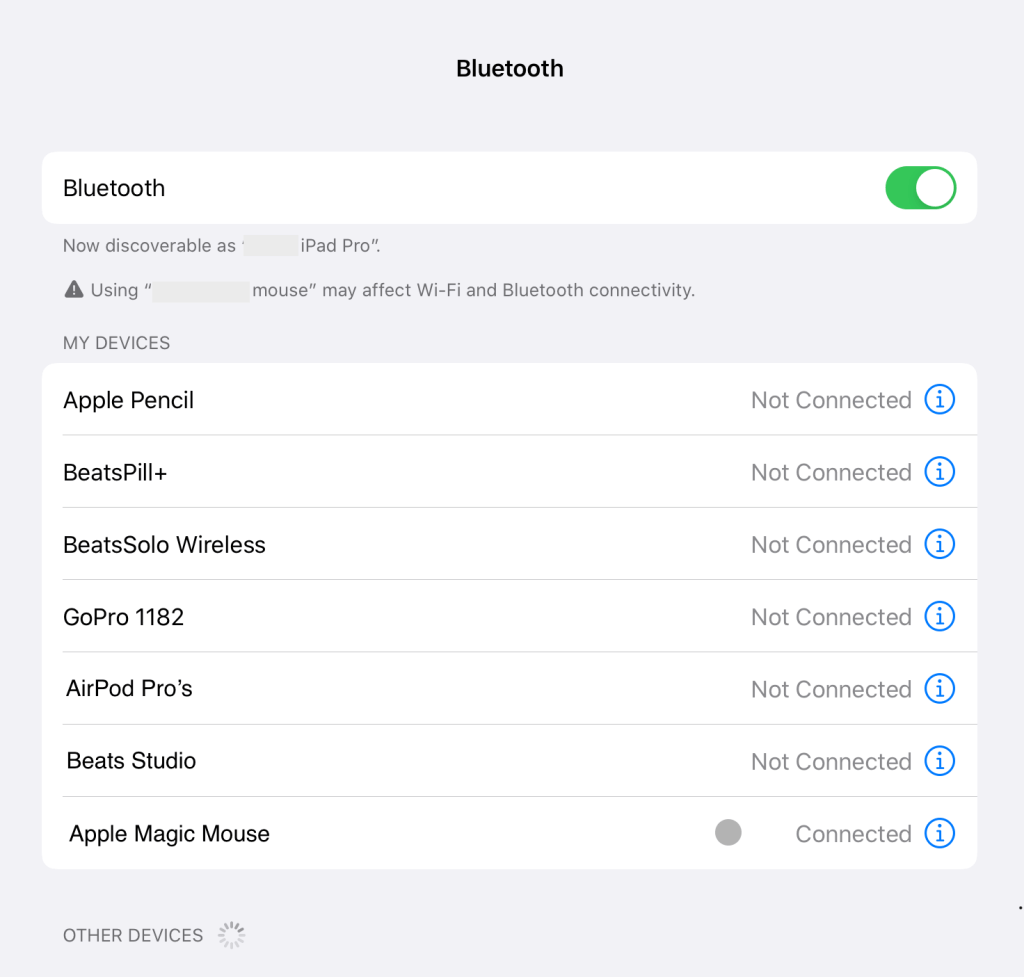
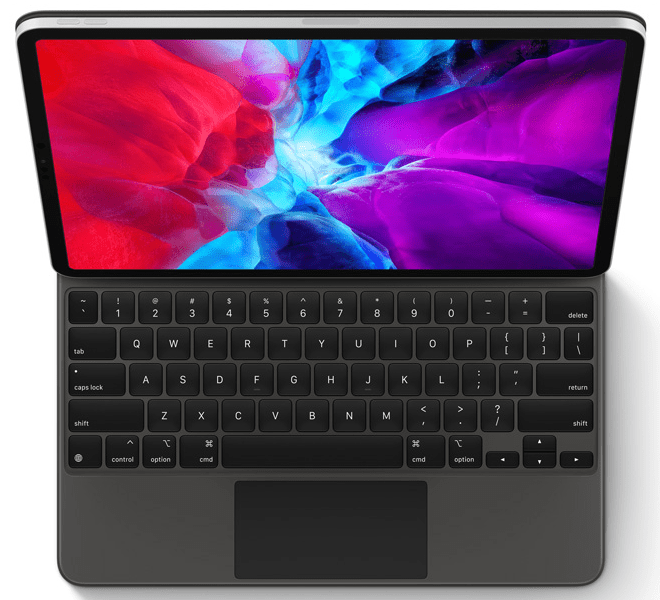
Apple announced the Magic Keyboard a few weeks ago and it will be available in late May. But do you really need one if you are using a Smart Keyboard already and you have a spare Magic Mouse lying around. Connecting the Magic Mouse to your iPad is pretty straight forward. Make sure you have upgraded to iPadOS 13.4. Then go to Settings > Bluetooth and your iPad Pro should detect your mouse once turned on.
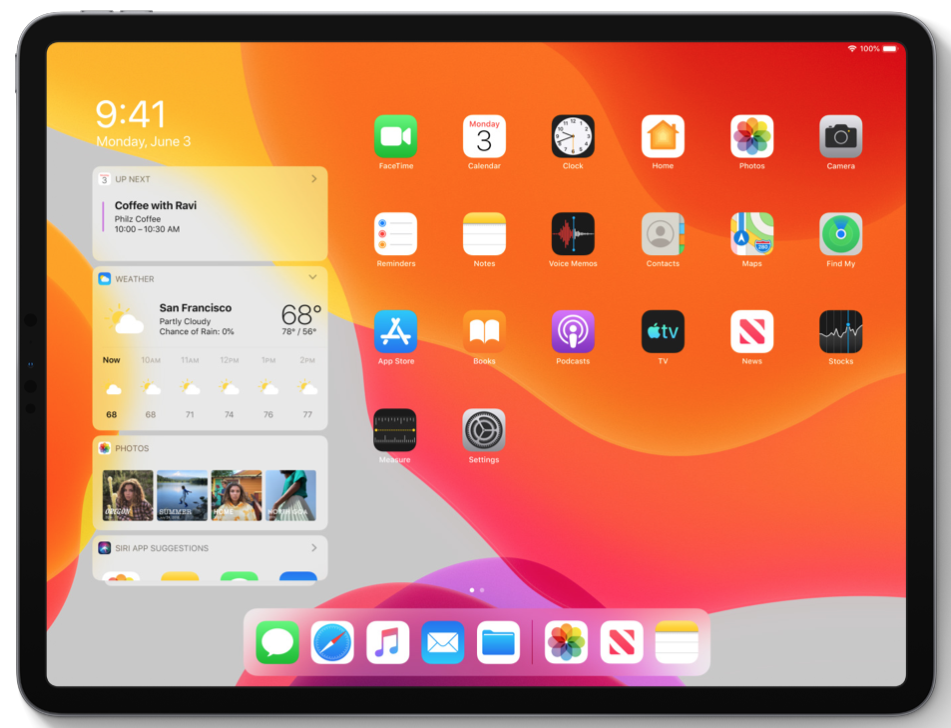
Once its connected you’ll see the mouse cursor in the form of a grey dot. You can change its colour, size and speed in Settings > General > Trackpad & Mouse. Give it a try, it’s pretty cool, it makes your iPad Pro really feel like a MacBook and if your iPad Pro is your main device, it will be hard to give up the control of a mouse for editing documents and moving around the screen. It feels so natural plus Apple has made the cursor change shape based on context.
 askiOS1